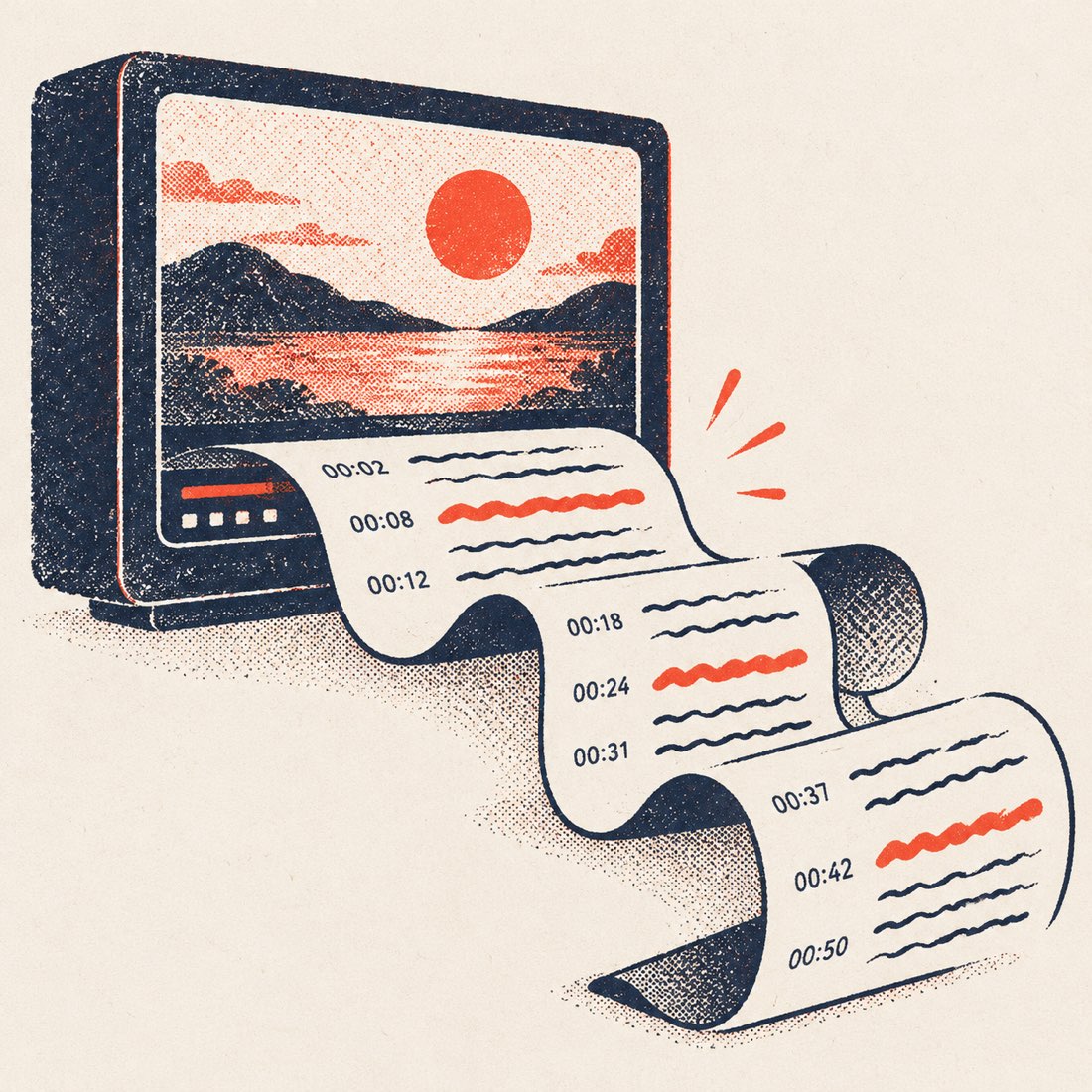
How to convert a YouTube video to Word
- Paste the YouTube link above. Any public video with captions. Press Get transcript; the text appears in seconds.
- Choose timestamps or not. Switch Timestamps on if you want the time before each paragraph in the Word file; leave it off for clean prose.
- Open Download and pick DOCX (Word). A .docx file with the video title as the heading is saved to your device. No watermark.
- Open it in Word, Google Docs or Pages. Edit, add headings, or hand it to a colleague.
Ways to get a YouTube transcript into Word
| Method | Result in Word | Good to know |
|---|---|---|
| ScribeCue → DOCX | A real .docx: title heading, paragraphs, optional timestamps | No sign-up, no watermark; also TXT, SRT, VTT |
| Copy from YouTube's own Show transcript panel | Plain text with a time on its own line before every caption line | Free; you reformat by hand |
| Online generators that only offer Copy | Pasted text, no file | Fast for short videos; you build the document yourself |
| Word's built-in Transcribe | Transcript of an audio file you upload | Needs the audio file first and a Microsoft 365 plan |
Rows describe how each route works in general; check each product's current terms before relying on it.
What the Word file contains
- The video title as the heading.
- The transcript grouped into readable paragraphs, not one caption per line.
- Timestamps in front of paragraphs when Timestamps is switched on.
- Speaker names, if you renamed speakers on an AI transcript.
Frequently asked questions
Is YouTube to Word really free?
Yes for videos that have captions: no account, no watermark. Only AI transcription of videos without captions, and long translations, are paid.
Does the .docx keep timestamps?
If Timestamps is switched on when you download, yes — each paragraph starts with its time. Switch it off for clean prose.
Can I get a PDF instead?
Open the .docx in Word, Google Docs or Pages and use Save as PDF. See [YouTube transcript to PDF](/youtube-transcript-to-pdf/).
Which language is the Word file in?
The caption track you picked. Choose another track, or translate into one of 24 languages, before you download.
What if the video has no captions?
If a video has no captions at all, paste the link anyway: an AI transcript of the audio is offered from $2.99 for one video of up to 60 minutes, or from $6 for 120 minutes. Minutes never expire.
Does it work on a phone?
Yes. The DOCX downloads to your phone's files and opens in the Word, Google Docs or Pages app.