How to turn a long video into Shorts
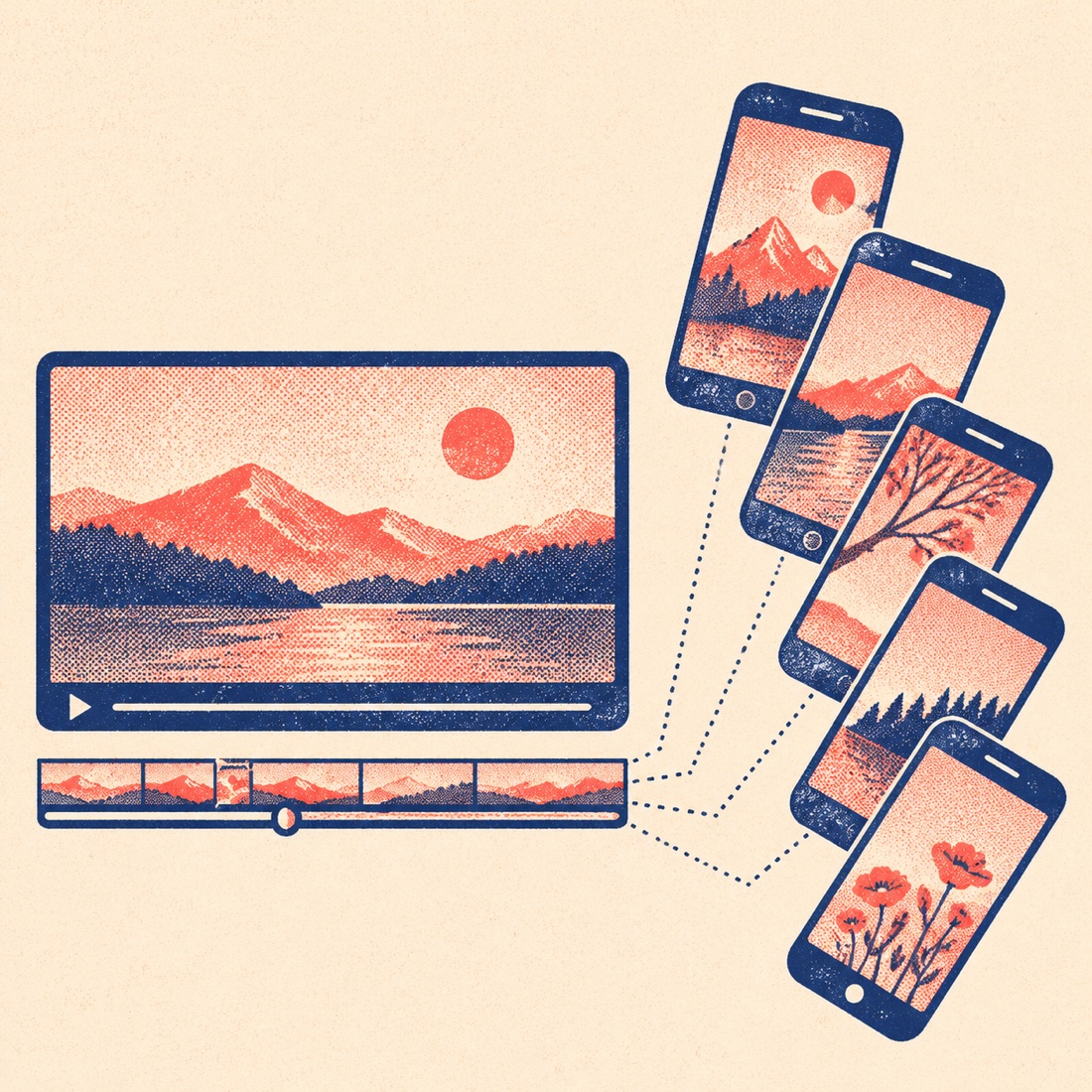
- Drop the long video above. A full podcast episode, stream replay or webinar. The audio is transcribed; the video stays on your device.
- The AI picks a batch of Shorts. About one clip per two minutes of video, up to 10 — every one 15–60 seconds and sentence-aligned, ranked by score.
- Pick the look once for the whole batch. Frame, caption style and hook title apply to every clip; preview any clip in 9:16.
- Download all as one ZIP. Every MP4, an SRT per clip and clips.txt with titles, hooks, hashtags and timestamps.
How many Shorts from one video?
| Video length | Clips the AI picks (Auto) | Free? |
|---|---|---|
| 10 minutes | 5 | Yes — 1 video a day |
| 20 minutes | 10 (5 from the free first 10 min) | First 10 min free; whole video $2.99 |
| 45–60 minutes | 10, the best of the whole video | $2.99 one-time or a pack |
| 2 hours | 10 | Minute pack (120 min $6) |
In three real runs on 20-minute talks the AI found 4–5 clips worth posting, scored 75–95; you can always keep fewer.
Long video to Shorts: ScribeCue vs OpusClip, WayinVideo and Choppity
| ScribeCue | OpusClip | WayinVideo | Choppity | |
|---|---|---|---|---|
| Try without an account | Yes — 1 video a day | No (sign-up) | No (sign-up) | No (sign-up) |
| Free allowance | First 10 min of 1 video a day | Some free clips a month | 100–200 one-time credits | 1 hour of AI analysis a month |
| Watermark on free clips | No | Yes | No (720p) | Not stated |
| Where the clip is rendered | In your browser — no queue | Cloud queue (Free = regular speed) | Cloud | Cloud |
| Full transcript + hook text + hashtags | Yes, all copyable | Captions and titles | Captions and titles | Captions |
| Cheapest paid option | $2.99 one-time per video | $15/month (Starter) | Monthly credit plans | $24/month (Starter) |
| Files kept | Your video stays on your device | Expire after 3 days (Free) | — | 3-day project storage (Free) |
Competitor rows come from their public pricing pages and help centres on 14 November 2026; plans change, so check before you rely on them.
After the ZIP: posting Shorts that get watched
- Post the highest-scored clip first and space the rest a day or two apart.
- Put the hook text in the first second — it's already burned in if Hook title is on.
- Paste the hashtags from clips.txt; check them with the TikTok hashtag generator.
- Not sure which clip to lead with? Paste its transcript into the video virality score.
- Turning the same video into a blog post too? See repurpose YouTube videos.
Frequently asked questions
How do I turn a long YouTube video into Shorts?
Drop the original file above (download it from YouTube Studio if you need to) — that gives the best quality. Or paste the link into the YouTube clipper: it marks the best moments free, and with a minute pack it cuts each one into a captioned 9:16 MP4 of up to 3 minutes. ScribeCue never downloads the whole video.
Is it free?
One video a day is free with no account: the AI reads the first 10 minutes and picks the clips. Longer videos: $2.99 one-time for one video up to 60 minutes, or a minute pack (120 min $6, 400 min $15, 1000 min $29, 3000 min $69); minutes never expire. Pro ($12/month) also covers it.
How long can the video be?
The free run reads the first 10 minutes. With $2.99 the AI reads a video up to 60 minutes; packs and Pro go up to 3 hours.
Are the Shorts watermarked?
No, never — free or paid.
Why does exporting take as long as the clip?
Each clip is played once in your browser and recorded, so a 45-second clip takes 45 seconds. That is why there is no server queue and the video never leaves your device. Keep the tab visible while it runs.
Is this affiliated with YouTube or TikTok?
No. ScribeCue is independent and not affiliated with YouTube, TikTok or Instagram.