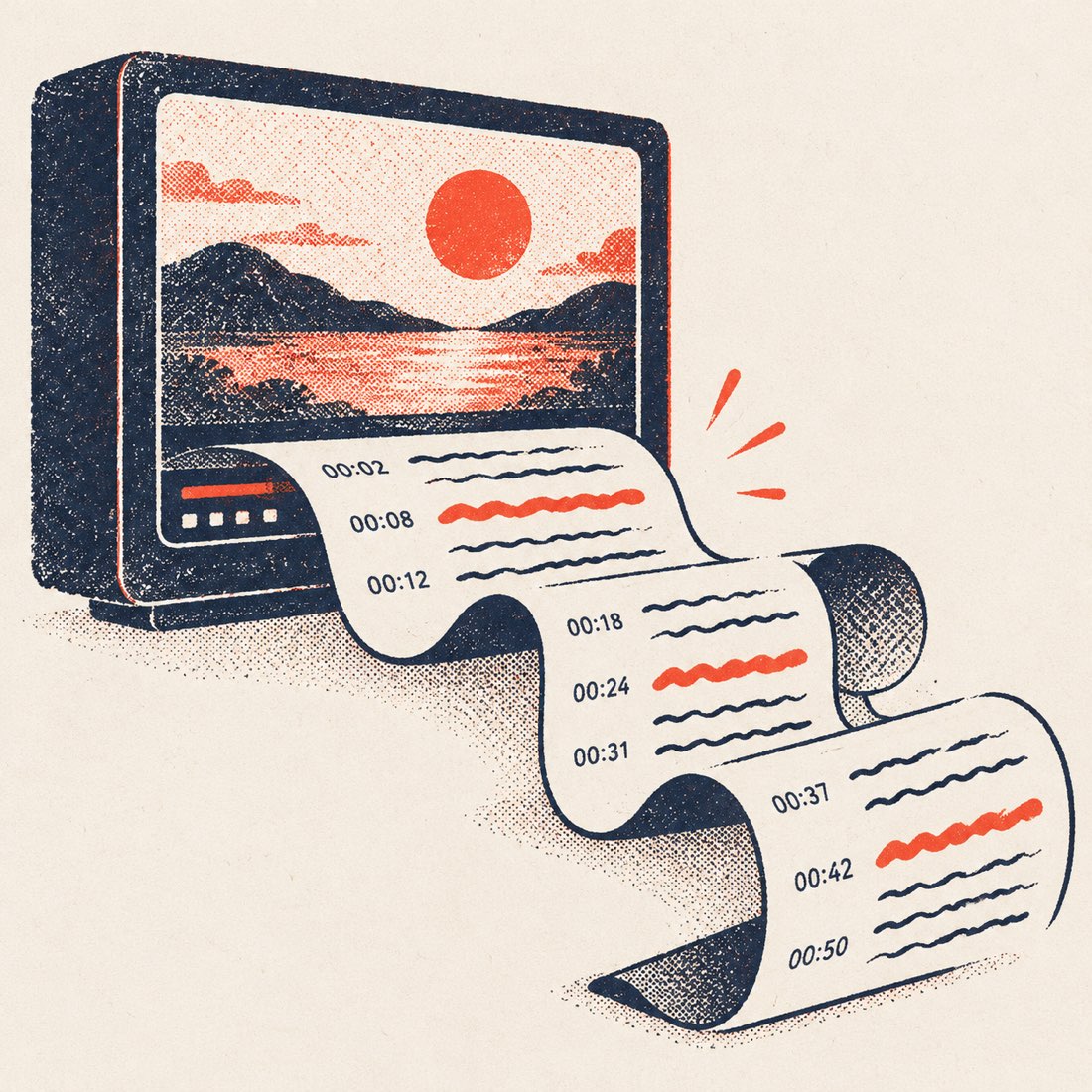
From captions to clean text
YouTube stores captions as hundreds of two-second fragments. Copying them from YouTube's own transcript panel gives you a column of broken lines with a timestamp on every one. ScribeCue joins the fragments into sentences and paragraphs, so the text reads like an article.
- Paragraphs, not fragments — with or without timestamps.
- Search the text; every match is highlighted and counted.
- Click any sentence to hear it in the player beside the text.
- Copy all with one button, or download TXT, DOCX, SRT or VTT.
Want both routes compared — captions vs. AI transcription of the audio, accuracy and speed? See YouTube video transcription.
What people convert
| Video | Why text helps |
|---|---|
| Lectures and courses | Study notes you can search and highlight |
| Podcasts and interviews | Quotes with the exact time they were said |
| Tutorials | Steps you can follow without pausing |
| Your own uploads | Blog posts, show notes and descriptions |
| Talks in another language | Translate the text into 24 languages |
If the video has no captions
Reading a link only works when YouTube publishes captions for the video — about nine in ten talks, lectures and podcasts have them, automatic or creator-written. Music videos, very new uploads and private or members-only videos often don't.
For those, upload your own copy of the audio or video on the Video to text page. ScribeCue transcribes the sound itself with speaker labels — 120 minutes free every month.
Frequently asked questions
Is the YouTube to text converter free?
Yes. Free with no account: unlimited YouTube transcripts, all four export formats, translation of videos up to 20 minutes, 3 AI summaries a day and 120 upload minutes a month.
Does it work with YouTube Shorts and live replays?
Yes — paste a Shorts, youtu.be or live-replay link the same way, as long as the video has captions.
Can I convert a YouTube video to text without timestamps?
Yes. Switch timestamps off and the transcript becomes plain paragraphs; the TXT and DOCX downloads follow the same setting.
How long can the video be?
There is no length limit for videos with captions. Multi-hour lectures and podcasts work.