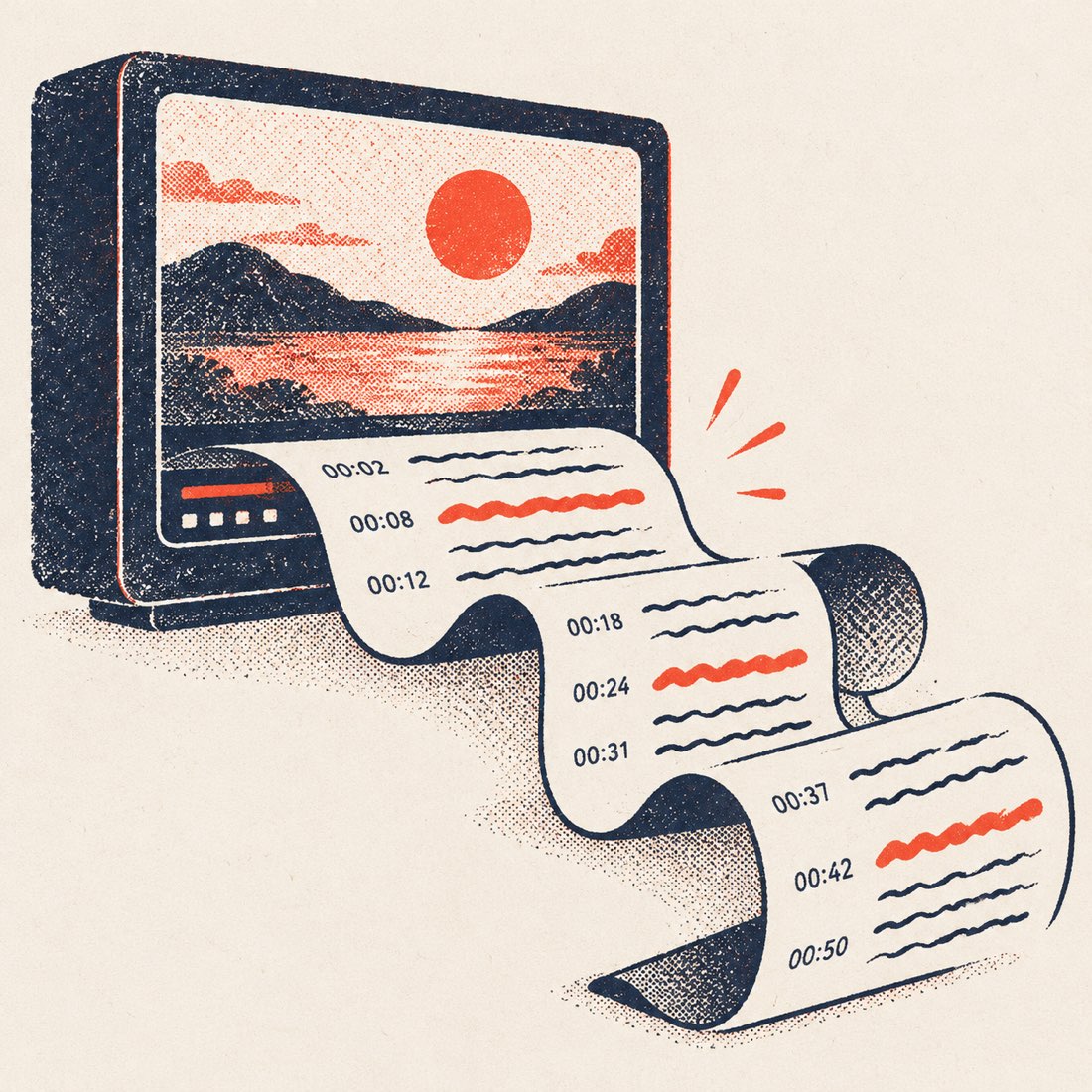
Export formats
| Format | Best for | Keeps timing |
|---|---|---|
| TXT | Notes, quotes, pasting into ChatGPT or a doc | Optional |
| DOCX | Editing in Word or Google Docs, sharing with a team | Optional |
| SRT | Subtitles in Premiere, Resolve, CapCut, re-uploading to YouTube | Yes |
| VTT | Web players, HTML5 <track>, Vimeo | Yes |
How to generate a transcript from a YouTube video
- Open the video on YouTube and copy its link (Share → Copy).
- Paste it into the box above and press Get transcript.
- Pick a caption track or a translation language if the video has several.
- Switch timestamps on or off, then choose a format from Download.
Generating from a video file or an audio recording instead? Use the transcript generator — or YouTube to transcript to read the full text in paragraphs first.
ScribeCue vs other transcript tools
Checked on 18 October 2026 against the free tier of each tool, logged out.
| ScribeCue | YouTubeToTranscript | TurboScribe | NoteGPT | |
|---|---|---|---|---|
| YouTube transcript without sign-up | Yes, unlimited | Yes, with ads | No YouTube caption tool | Limited, then login |
| Paragraphs + click-to-seek + search | Yes | Line by line | — | Yes |
| Export TXT / SRT / VTT / DOCX without login | All four | Copy only | After sign-up | After login |
| AI summary + chapters | Yes, 3/day free | Prompt list only | No | Yes, after login |
| Upload audio/video, speaker labels | Yes, 120 free min/month | No | Yes, after sign-up | Members |
| Pay per minute (no subscription) | Yes | — | Subscription only | Subscription only |
| Ads on the page | None | Many | None | Some |
Frequently asked questions
Is the YouTube transcript generator free?
Yes, unlimited and without an account. Only AI summaries beyond 3 a day and upload transcription beyond the free monthly minutes are paid.
Can I get a transcript in another language?
Yes. Pick any of the video's own caption tracks, or use Translate to read the captions in one of 24 languages (free for videos up to 20 minutes, any length on Pro).
Can I generate a transcript for a video without captions?
Not from the link — there is nothing to read. Upload the audio or video on the Video to text page and we transcribe the sound with speaker labels.
Is downloading YouTube captions allowed?
We only show captions YouTube already makes public with the video, for reading, quoting and accessibility. We never download the video itself. Respect the creator's copyright when you reuse the text.