How to extract a TikTok script
- In the TikTok app tap Share → Copy link; on the web, copy the address bar.
- Paste the link above and press Get transcript.
- Read the script with timestamps, or switch them off for clean text.
- Copy it, translate it into one of 24 languages, or download TXT, SRT or DOCX.
What you get
| Free, no account | |
|---|---|
| Scripts from TikTok links | Unlimited for videos with captions |
| TikToks without captions | AI transcript of the audio, 10 a day (up to 15 min) |
| Timestamps | On or off |
| Downloads | TXT, SRT, VTT, DOCX |
| Translation | 24 languages |
| AI summary / hook breakdown | 3 a day |
Before and after: what a script looks like
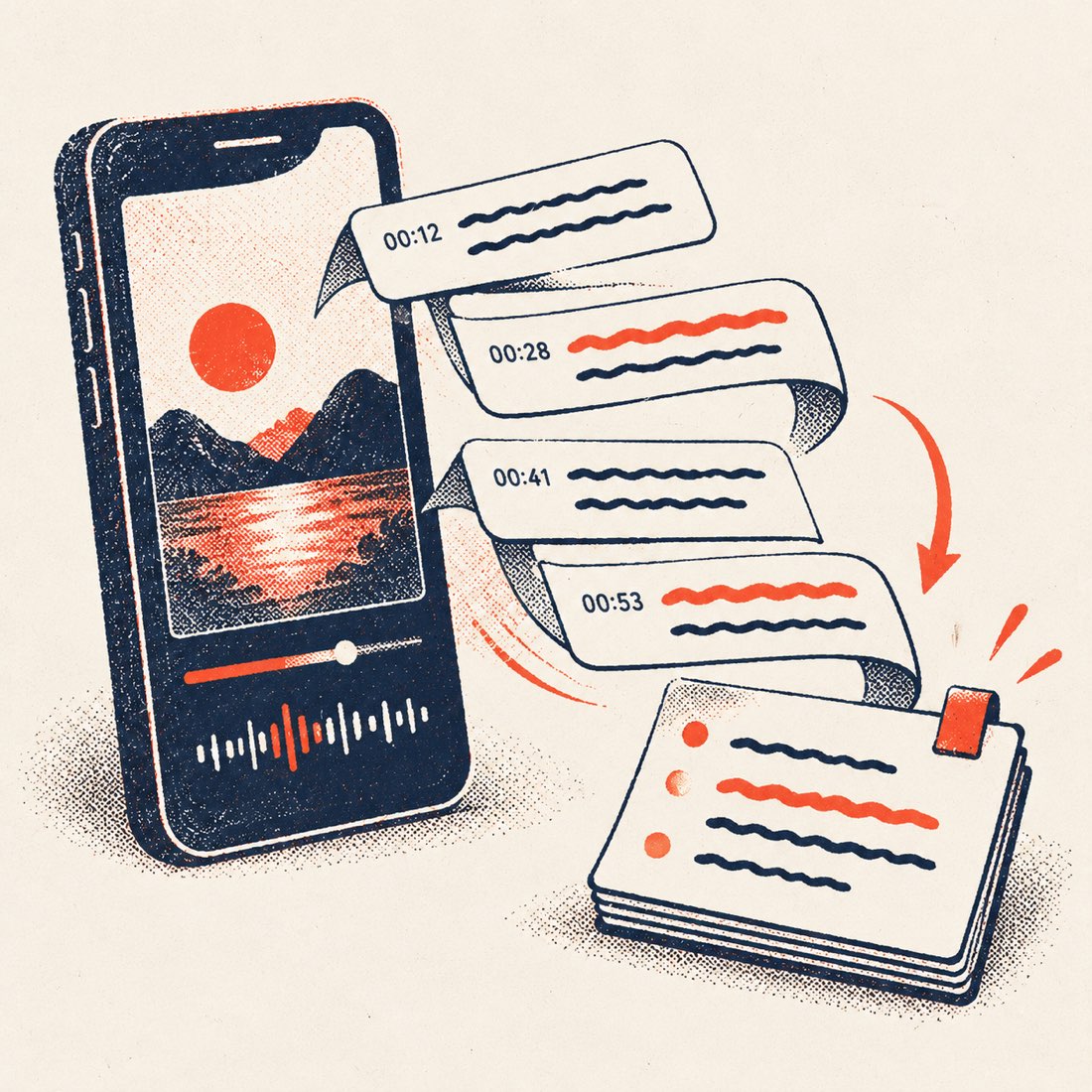
TikTok stores captions as short timed lines, a few words each. ScribeCue shows them with their times and joins them into readable text you can paste into a doc. The shape of it (placeholder content):
| Raw caption lines | Script you copy |
|---|---|
| 0:00 stop scrolling if you · 0:01 bake bread at home · 0:02 this one trick | [0:00] Stop scrolling if you bake bread at home — this one trick… |
| 0:04 changed everything · 0:05 for my crust | …changed everything for my crust. |
Timestamps on: you see exactly where the hook ends and the payoff begins — useful when you study pacing.
What creators use it for
- Study hooks: the first three seconds of the script, side by side across videos.
- Repurpose your own TikToks into captions, blog posts, newsletters or YouTube Shorts descriptions.
- Subtitles: download SRT and add them in CapCut or Premiere.
- Translate a script to plan the same video in another language.
- Accessibility: give viewers a text version.
What it can and can't do
Can
- Extract the script of any public TikTok — from its captions, or by transcribing the audio when it has none.
- Translate, summarize and download it.
- Transcribe your own saved video file with speaker labels on Video to text.
Can't
- Read private accounts or deleted videos.
- Download the TikTok video — you get the text only.
- Capture on-screen text stickers that are not part of the captions.
If the TikTok has no captions
Many TikToks have no captions. ScribeCue then transcribes the audio with AI, usually in 10–30 seconds, and labels the result AI transcript of the audio. Free for 10 a day per network, videos up to 15 minutes. Music-only videos have no speech to transcribe.
Using someone else's script
Studying structure, pacing and hooks is fine. Copying another creator's words and posting them as your own is not — credit or ask the creator before you reuse their script.
Frequently asked questions
Is the TikTok script extractor free?
Yes, with no account: unlimited for TikToks with captions, and 10 AI transcripts a day for TikToks without them.
Does it work on any TikTok?
Any public TikTok with speech, up to 15 minutes for ones without captions. Private accounts can't be read.
Can I get the script with timestamps?
Yes. Timestamps are on by default; switch them off for clean text, or download SRT for exact timing.
Can I translate a TikTok script?
Yes, into any of 24 languages, and download the translation.
Does it download the TikTok?
No. You get the text only; ScribeCue is not a video downloader and doesn't re-host videos.