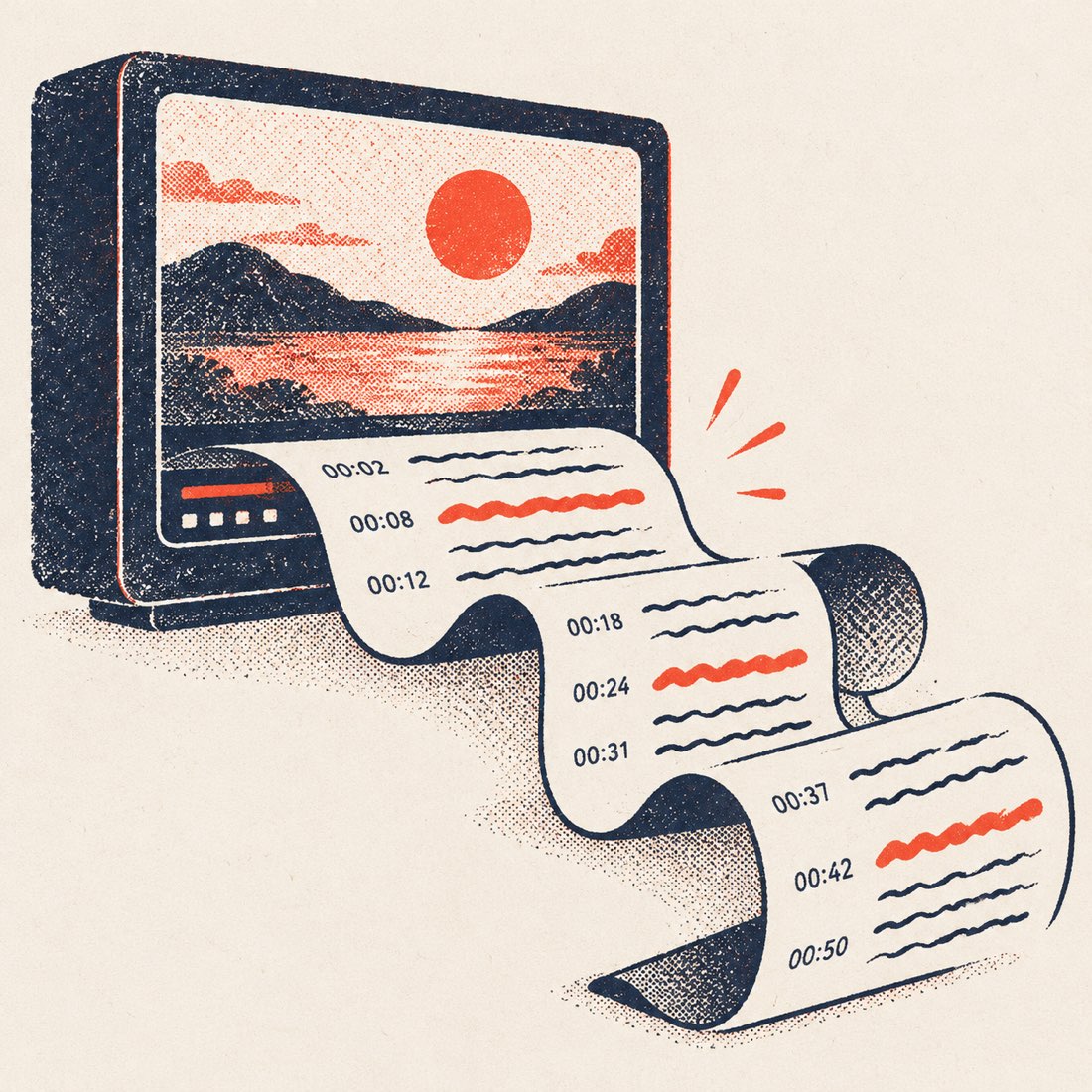
What one link gives you
| You get | What it is for |
|---|---|
| The full transcript in paragraphs | Reading, quoting and pasting into notes or a doc without fixing line breaks |
| A timestamp on every paragraph (or every line) | Citing the exact moment; click any timestamp and the video jumps there |
| Every caption track the video has | Creator captions, YouTube's automatic captions, and other languages, labelled so you know which is which |
| Translation into 24 languages | Read or download it in your language — videos up to 20 minutes free, longer on Pro |
| Search inside the transcript | Find every place a word is said and jump the video to it |
| TXT, DOCX, SRT and VTT downloads | Docs and notes, or subtitle files that keep the original timing |
| An AI summary with chapters | TL;DR, key points and clickable chapters — 3 a day free |
How to convert a YouTube video to a transcript
- Copy the YouTube link. From the address bar, or Share → Copy link in the YouTube app. Shorts, youtu.be and live-replay links all work.
- Paste it above and press Get transcript. The full transcript appears in a few seconds, whatever the video length, next to a player that follows along.
- Pick a language if you need one. Switch between the video's caption tracks, or translate the transcript into one of 24 languages.
- Copy or download. Copy all of it, or download TXT, Word, SRT or VTT — with or without timestamps.
YouTube's own transcript panel vs. ScribeCue
YouTube has a Show transcript button under many videos. It is fine for a quick look; it was not built for taking the text somewhere else.
| YouTube's Show transcript | ScribeCue | |
|---|---|---|
| Where you find it | Description → Show transcript (not on every video or every app version) | Paste any link, on any device |
| Layout | A few words per line, a timestamp on each | Joined into sentences and paragraphs |
| Copying | Select by hand; timestamps come along in the text | One Copy button, timestamps on or off |
| Download | None | TXT, DOCX, SRT, VTT |
| Other languages | Only the tracks the video has | Those, plus translation into 24 languages |
| Summary | None | AI summary with chapters |
Step by step, including the built-in panel on desktop and phone: How to get the transcript of a YouTube video.
Before and after: raw captions vs. ScribeCue
YouTube stores captions as short timed fragments, a few words each. Copied straight out of the Show transcript panel, that is what you get. ScribeCue joins the fragments into sentences and paragraphs, keeps one timestamp per paragraph and leaves every word as published. Three real examples, same seconds of each video:
| Video | Raw caption lines | ScribeCue paragraph |
|---|---|---|
| Steve Jobs, Stanford commencement (15 min) | 0:47 Today I want to tell you three stories from my life. That's it. · 0:52 No big deal. Just three stories. · 0:55 The first story is about connecting the dots. · 1:01 I dropped out of Reed College after the first 6 months, | [0:47] Today I want to tell you three stories from my life. That's it. No big deal. Just three stories. The first story is about connecting the dots. I dropped out of Reed College after the first 6 months… |
| Tim Urban, TED (14 min) | 0:19 Now, when a normal student writes a paper, · 0:21 they might spread the work out a little like this. · 0:23 So, you know -- · 0:25 (Laughter) · 0:26 you get started maybe a little slowly, | [0:12] … Now, when a normal student writes a paper, they might spread the work out a little like this. So, you know -- (Laughter) you get started maybe a little slowly… |
| Ken Robinson, TED (20 min) | 0:43 There have been three themes running through the conference, · 0:46 which are relevant to what I want to talk about. · 0:49 One is the extraordinary evidence of human creativity | [0:27] … There have been three themes running through the conference, which are relevant to what I want to talk about. One is the extraordinary evidence of human creativity… |
Switch timestamps off and the same text copies as clean prose; switch them on, or download SRT, and every original line keeps its exact timing.
ScribeCue vs. YouTubeToTranscript, youtube-transcript.io and NoteGPT
The tools that rank for this search, each checked logged out on 3 November 2026 with the same three videos:
| ScribeCue | YouTubeToTranscript | youtube-transcript.io | NoteGPT | |
|---|---|---|---|---|
| Free without an account | Unlimited | Yes, with ads | 25 free tokens, then sign up | Yes, basic mode |
| Transcript layout | Paragraphs, one timestamp each; toggle per line | Timed lines | Timed lines | Timed lines |
| Downloads | TXT, DOCX, SRT, VTT | Copy only | Copy, download | Copy, download |
| Videos without captions | Upload the file: AI transcript with speaker labels | No | No | Speaker separation is a paid option |
| AI summary with chapters | Yes, 3 a day free | Prompt library | Yes | Yes, with an account |
| Ads | None | Yes | None seen | None seen |
Our longer test of five tools, with the method: Best YouTube transcript tools.
When the video has no captions
A link only carries text when the video has a caption track — most talks, lectures, tutorials and podcasts do, and YouTube adds automatic captions to most English uploads. When there is none, ScribeCue tells you straight away instead of showing an empty page.
Then upload your own copy of the video or its audio on Video to text or Audio to text. Our speech model transcribes it with timestamps and speaker labels you can rename — 120 minutes free each month, files up to 3 hours on Pro.
Which file to download
| You want to… | Download | Timing kept |
|---|---|---|
| Read, quote or paste into ChatGPT / Notion | TXT | Optional |
| Edit and share in Word or Google Docs | DOCX (video title as the heading) | Optional |
| Add subtitles in Premiere, Resolve, CapCut or re-upload to YouTube | SRT | Yes |
| Subtitles in a web player or HTML5 <track> | VTT | Yes |
Related guides
- YouTube transcript generator — pick a caption track, export a document.
- Download a YouTube transcript — TXT, SRT, VTT or Word in one click.
- YouTube to text — the transcript as clean paragraphs, ready to paste.
- Video transcript generator — from a link or from a video file.
- YouTube summarizer — TL;DR, key points and clickable chapters.
- YouTube playlist transcripts — every video in a playlist or channel, one ZIP.
Frequently asked questions
How do I convert a YouTube video to a transcript for free?
Paste the link on ScribeCue and press Get transcript. Every video with captions converts free and unlimited, with no account and no ads.
Is there a length limit?
No. A 3-hour podcast converts as fast as a 3-minute clip, because the text comes from the caption track rather than from listening to the audio.
Can I get the transcript with timestamps?
Yes. Paragraphs carry one timestamp each by default; switch to per-line timestamps, or download SRT or VTT to keep the exact timing of every caption.
Does it work on YouTube Shorts and live replays?
Yes, as long as the Short or the replay has captions. Paste the link exactly as you copied it.
How accurate is the transcript?
It is word-for-word what the caption track says — we never rewrite it. Creator captions are usually exact; YouTube's automatic captions are good on clear speech but miss names and jargon, and we label them as Auto-generated.
Can I convert a video in another language?
Yes. Pick any caption track the video has, or translate the transcript into one of 24 languages.
Do I need to install anything?
No extension and no app. It works in any browser, including on iPhone and Android: copy the link from the YouTube app (Share → Copy link) and paste it here.