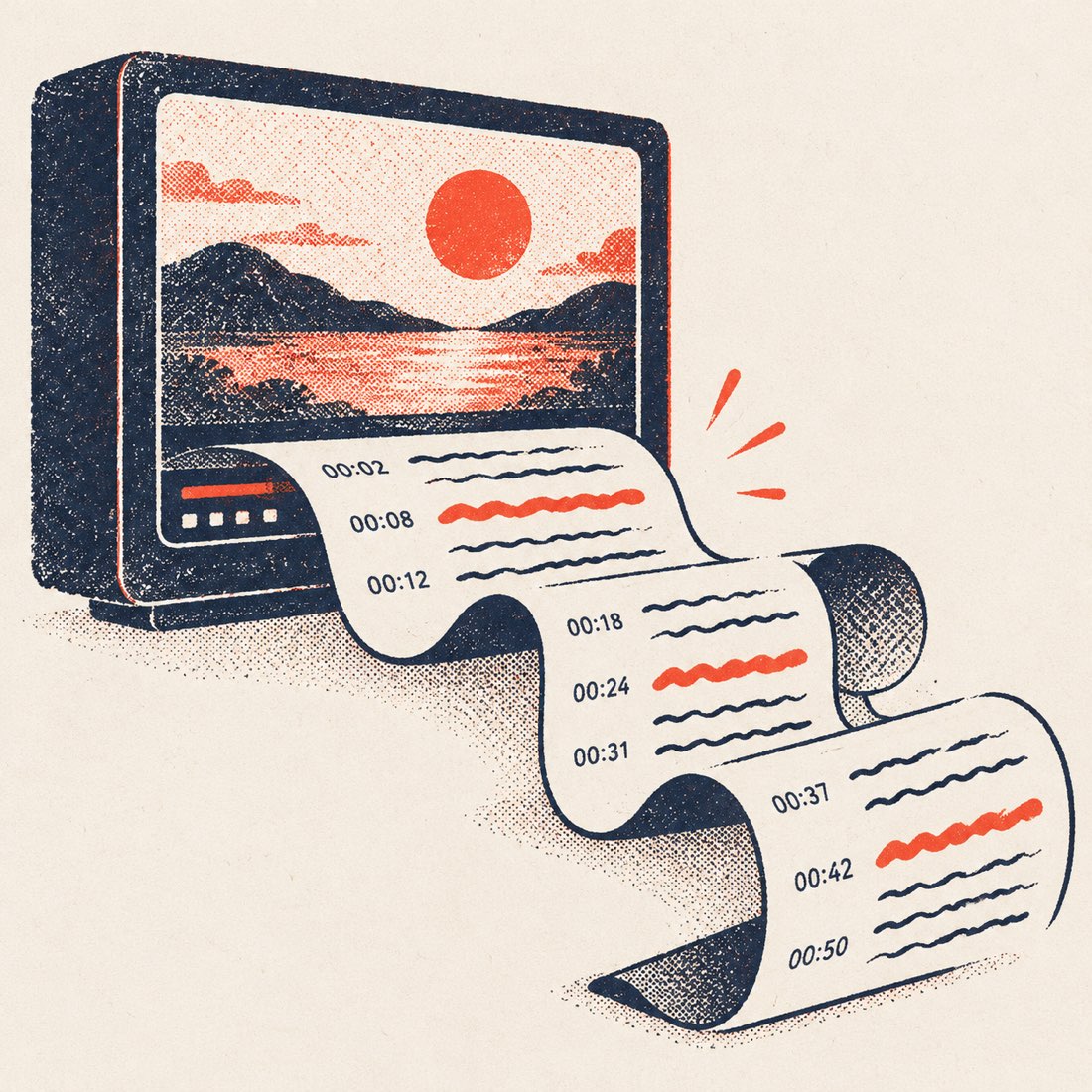
How to extract a YouTube transcript
- Copy the video link. From the address bar on desktop, or Share → Copy link in the YouTube app. Shorts and youtu.be links work too.
- Paste it and press Get transcript. The full transcript appears in a few seconds, joined into paragraphs, next to a player that follows along.
- Pick the language and timestamps. Choose any caption track the video has, or translate into one of 24 languages. Turn timestamps on or off.
- Copy or download. Copy all the text, or download TXT, DOCX, SRT or VTT.
What you get, and the exact limits
| Free, no account | Pro | |
|---|---|---|
| Transcripts from YouTube links | Unlimited | Unlimited |
| Video length | Any length | Any length |
| Downloads | TXT, DOCX, SRT, VTT | TXT, DOCX, SRT, VTT |
| Caption tracks | Every track the video has (auto and creator) | Same |
| Translation | 24 languages, videos up to 20 min | 24 languages, any length |
| AI summary with chapters | 3 a day | Unlimited |
| Videos without captions | Upload: 120 min a month, files up to 120 min | 1,500 min a month, files up to 3 h |
| Ads | None | None |
Free with no account: unlimited YouTube transcripts, all four export formats, translation of videos up to 20 minutes, 3 AI summaries a day and 120 upload minutes a month.
Before and after: raw captions vs. ScribeCue
YouTube stores captions as short timed fragments, a few words each. Copied straight out of the Show transcript panel, that is what you get. ScribeCue joins the fragments into sentences and paragraphs, keeps one timestamp per paragraph and leaves every word as published. Three real examples, same seconds of each video:
| Video | Raw caption lines | ScribeCue paragraph |
|---|---|---|
| Steve Jobs, Stanford commencement (15 min) | 0:47 Today I want to tell you three stories from my life. That's it. · 0:52 No big deal. Just three stories. · 0:55 The first story is about connecting the dots. · 1:01 I dropped out of Reed College after the first 6 months, | [0:47] Today I want to tell you three stories from my life. That's it. No big deal. Just three stories. The first story is about connecting the dots. I dropped out of Reed College after the first 6 months… |
| Tim Urban, TED (14 min) | 0:19 Now, when a normal student writes a paper, · 0:21 they might spread the work out a little like this. · 0:23 So, you know -- · 0:25 (Laughter) · 0:26 you get started maybe a little slowly, | [0:12] … Now, when a normal student writes a paper, they might spread the work out a little like this. So, you know -- (Laughter) you get started maybe a little slowly… |
| Ken Robinson, TED (20 min) | 0:43 There have been three themes running through the conference, · 0:46 which are relevant to what I want to talk about. · 0:49 One is the extraordinary evidence of human creativity | [0:27] … There have been three themes running through the conference, which are relevant to what I want to talk about. One is the extraordinary evidence of human creativity… |
Switch timestamps off and the same text copies as clean prose; switch them on, or download SRT, and every original line keeps its exact timing.
Which file to download
| You want to… | Download | Timing kept |
|---|---|---|
| Read, quote or paste into ChatGPT / Notion | TXT | Optional |
| Edit and share in Word or Google Docs | DOCX (video title as the heading) | Optional |
| Add subtitles in Premiere, Resolve, CapCut or re-upload to YouTube | SRT | Yes |
| Subtitles in a web player or HTML5 <track> | VTT | Yes |
What it can and can't do
Can
- Extract the transcript of any public YouTube video, Short or live replay that has captions.
- Choose between the automatic track and creator captions, in any language the video offers.
- Search inside the transcript and jump the video to any line.
- Translate the transcript and export the translation with the original timing.
- Summarize the video into a TL;DR, key points and chapters.
Can't
- Read private, members-only or age-restricted videos — their captions are not public.
- Invent a transcript for a video with no captions from the link alone (upload the file instead).
- Download the video itself. ScribeCue only reads caption text; it is not a video downloader.
- Fix mistakes that are in YouTube's automatic captions — the words are shown as YouTube published them.
Extractor vs. YouTube's own transcript panel
| YouTube Show transcript | ScribeCue extractor | |
|---|---|---|
| Text layout | One fragment per line | Sentences and paragraphs |
| Copy everything at once | Select by hand | One click |
| Download a file | No | TXT, DOCX, SRT, VTT |
| Search with highlights | No | Yes |
| Translate | Captions only, on screen | 24 languages, downloadable |
| Works on a phone | Partly (app only) | Any browser |
If the video has no captions
Reading a link only works when YouTube publishes captions for the video — about nine in ten talks, lectures and podcasts have them, automatic or creator-written. Music videos, very new uploads and private or members-only videos often don't.
For those, upload your own copy of the audio or video on the Video to text page. ScribeCue transcribes the sound itself with speaker labels — 120 minutes free every month.
Frequently asked questions
Is this YouTube transcript extractor free?
Yes. Extracting transcripts from YouTube links is free and unlimited, with no account and no ads.
Can I extract a transcript from a long video?
Yes. Lectures, livestream replays and podcasts of several hours load in full — there is no length limit for links.
Does it work on YouTube Shorts?
Yes, as long as the Short has captions. Paste the Shorts link as it is.
Can I extract the transcript in another language?
Pick any caption track the video has, or translate into one of 24 languages. Translation is free for videos up to 20 minutes and for any length on Pro.
Why does it say the video has no transcript?
YouTube has not published captions for it (common for music videos and brand-new uploads), or the video is private. Upload your own copy and we transcribe the audio — 120 minutes a month free.
Is extracting YouTube transcripts allowed?
Reading captions that YouTube shows publicly for personal notes, study and research is common practice. Republishing someone else's words may need their permission.