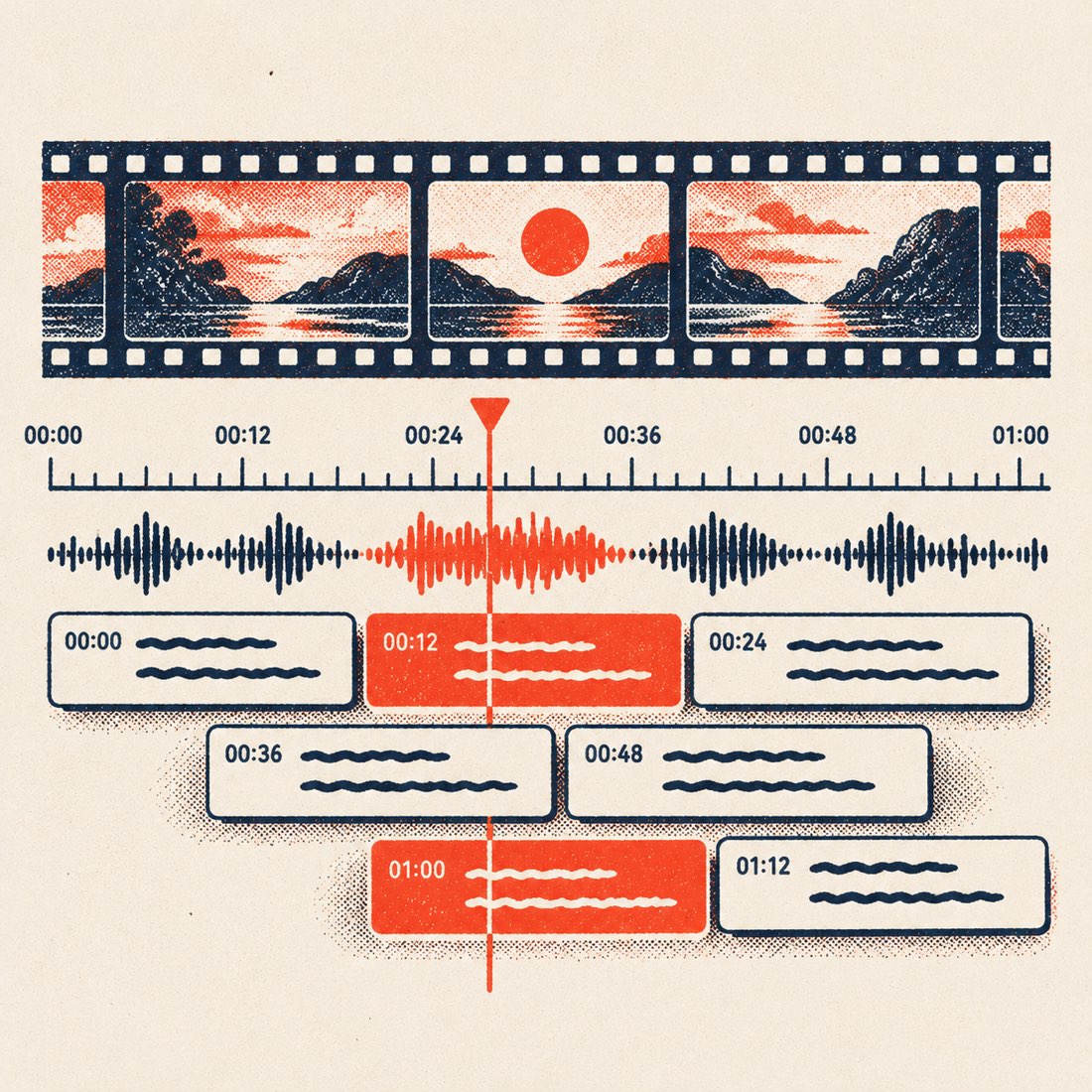
To make an SRT file from a YouTube video, paste its link above and choose Download → SRT. The subtitles keep YouTube's timing and work in Premiere, DaVinci Resolve, CapCut and on YouTube itself. For your own recordings, upload the file on Video to text and export SRT from the result.
SRT or VTT?
| SRT | VTT | |
|---|---|---|
| Timestamp style | 00:01:02,500 | 00:01:02.500 |
| Works in video editors | Everywhere | Most |
| Works in web players | Some | HTML5 standard |
| Styling | None | Basic |
Pick SRT for editors and social uploads, VTT for websites.
Subtitles in another language
Choose a translation language before you download and the SRT is written in that language, with the original timing.
Frequently asked questions
Is the SRT generator free?
Yes, for any YouTube video with captions. Upload transcription is free for 120 minutes a month.
Can I edit the subtitles?
SRT is plain text: open it in any text editor or subtitle editor. Speaker names you set on an uploaded file are included in the export.