Two ways to turn speech into text
| Live dictation (top of page) | Upload a recording (below) | |
|---|---|---|
| Best for | Notes, emails, essays, drafts — talking instead of typing | Interviews, meetings, lectures, voice memos you already recorded |
| Cost & limit | Free, unlimited, no account | 120 free preview minutes (up to 10 per file) a month, then packs from $6 |
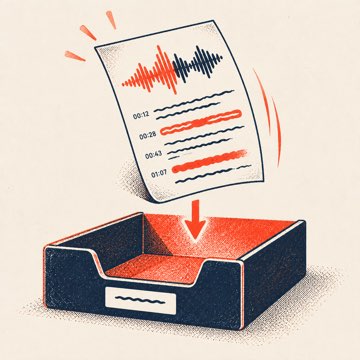
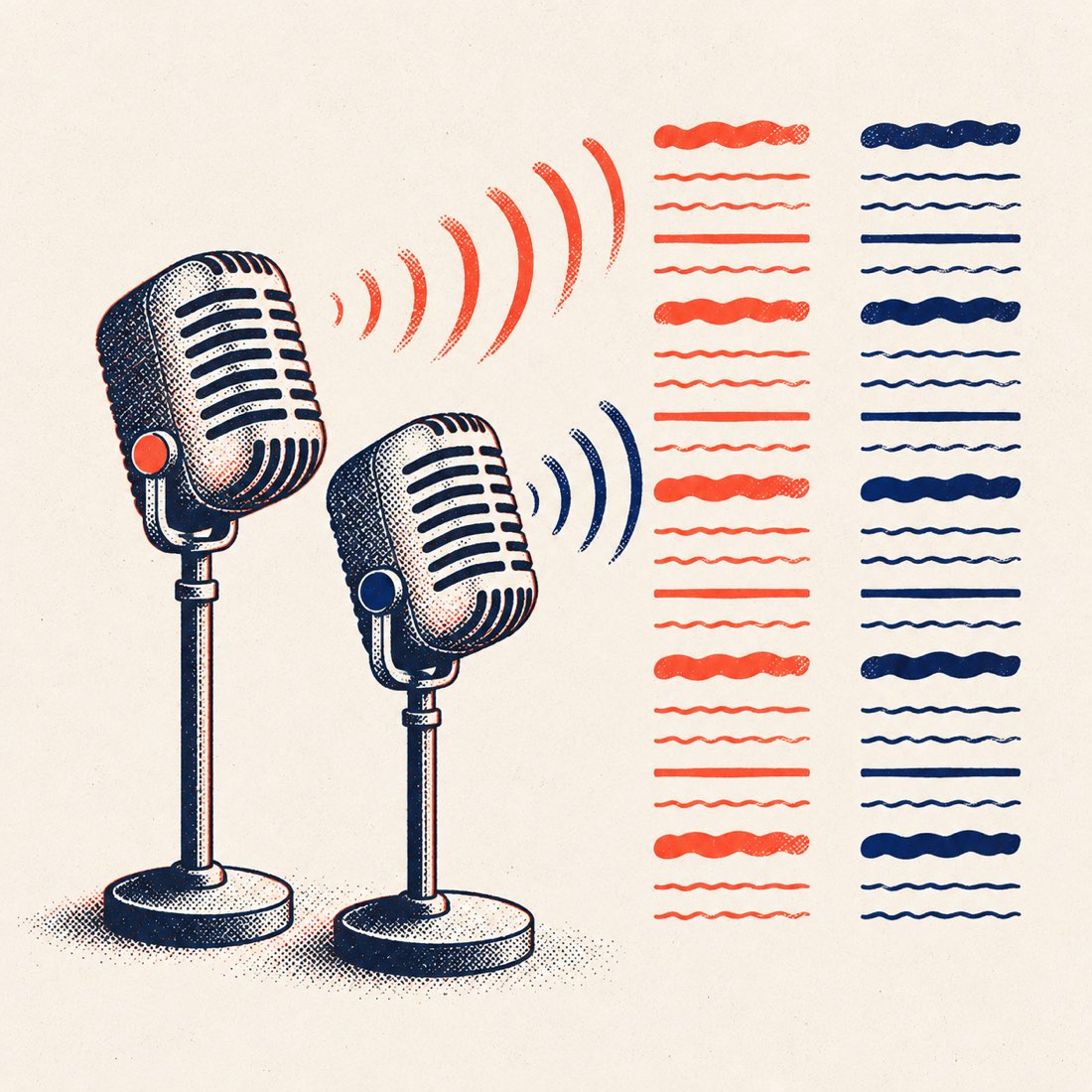
| Speakers & timestamps | No — one speaker, plain text | Yes — speaker labels and a timestamp on every line |
| Export | Copy or .txt | TXT, DOCX, SRT, VTT |
| Browsers | Chrome, Edge, Safari (not Firefox) | Any browser, phone or desktop |
| Where the audio goes | Your browser's speech service (Google in Chrome/Edge, Apple in Safari) | Our transcription service; deleted after full transcription or after 7 days |
How to use speech to text
- Pick your language (English US/UK, Spanish, French, German, Italian, Portuguese, Hindi, Japanese, Korean, Chinese, Arabic or Vietnamese).
- Press Start speaking and allow the microphone when the browser asks.
- Talk normally. Grey text is the live guess; it turns final when you pause. Say punctuation is not needed — fix it in the box afterwards.
- Press Stop, edit the text, then Copy or download the .txt. The text stays saved in this browser if you close the tab.
Tip: a headset or the phone held near your mouth cuts errors more than anything else. Long pauses end a browser session; ScribeCue restarts it automatically until you press Stop.
Three real examples
- Dictating a 300-word email in Chrome on a laptop: about two minutes of talking, then a few quick fixes to names and punctuation.
- A 40-minute recorded meeting: preview the first 10 minutes with speaker labels and DOCX export. Pay to transcribe the remaining 30 minutes.
- A Spanish voice memo on an iPhone: Safari live dictation in Español, or upload the memo for timestamps and an English translation of the transcript.
ScribeCue vs. Speechnotes
| ScribeCue | Speechnotes | |
|---|---|---|
| Live dictation | Free, no account, no ads | Free with ads; Premium $1.9/month removes them |
| Browsers | Chrome, Edge, Safari | Chrome (Edge mentioned) |
| Transcribing a recording | 120 free preview minutes (up to 10 per file) a month, then from $1.38/hour | $0.10 per minute ($6/hour), no free minutes listed |
| Speaker labels on files | Yes | English only |
| File exports | TXT, DOCX, SRT, VTT | SRT named on the page |
Checked on 8 November 2026 from speechnotes.co. Speechnotes also has a Chrome extension and an Android app; we make ScribeCue.
Related tools
- Free audio to text — the exact free limits, no sign-up.
- Audio to text — speaker labels, summaries and translation for recordings.
- Voice teleprompter — a script that scrolls as you speak.
- YouTube to text — transcripts from a video link.
Frequently asked questions
Is this speech to text free?
Yes. Live dictation is free with no limit, no account and no ads. Uploaded recordings include the first 10 minutes per file free, up to 120 preview minutes each month.
Does it work on iPhone and Android?
Live dictation works in Safari on iPhone and in Chrome on Android. Uploading a voice memo works in any mobile browser.
Why doesn't it work in Firefox?
Firefox has no built-in speech recognition. Use Chrome, Edge or Safari for live dictation, or upload a recording — that works everywhere.
Is my voice recorded or stored?
Not by ScribeCue during live dictation: your browser sends the audio to its own speech service (Google for Chrome/Edge, Apple for Safari) and we only see the text in your browser. The text is saved in this browser only.
Can it add punctuation and speakers?
Live dictation gives plain text with light punctuation, one speaker. For speaker labels, timestamps and clean punctuation, upload the recording instead.
How long can I dictate?
As long as you like. Browsers end a session after a long pause; the page restarts listening automatically until you press Stop.
Which languages are supported?
Live dictation: English (US/UK), Spanish, French, German, Italian, Portuguese, Hindi, Japanese, Korean, Chinese, Arabic and Vietnamese. Availability depends on your browser and speech service. Uploaded recordings: auto-detected across many more languages, with translation into 24.