


YouTube Shorts size: 1080×1920 and other specs
| Platform | Aspect ratio | Resolution | Max length |
|---|---|---|---|
| YouTube Shorts | 9:16 (square also allowed) | 1080 × 1920 | 3 minutes |
| TikTok | 9:16 | 1080 × 1920 | 10 minutes in the app (60 min uploads) |
| Instagram Reels | 9:16 | 1080 × 1920 | 3 minutes in the app |
| Facebook Reels | 9:16 | 1080 × 1920 | 90 seconds |
Lengths are the platforms' published limits as of November 2026 and change often. All four accept the same 1080×1920 MP4.
How to resize a video for YouTube Shorts
- Drop your video above. Landscape 16:9, square or any size. It opens in your browser; nothing is uploaded.
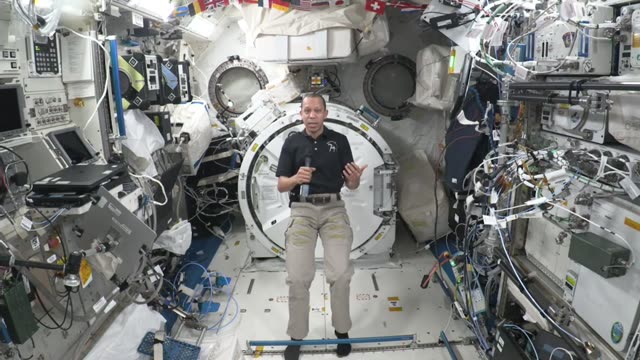
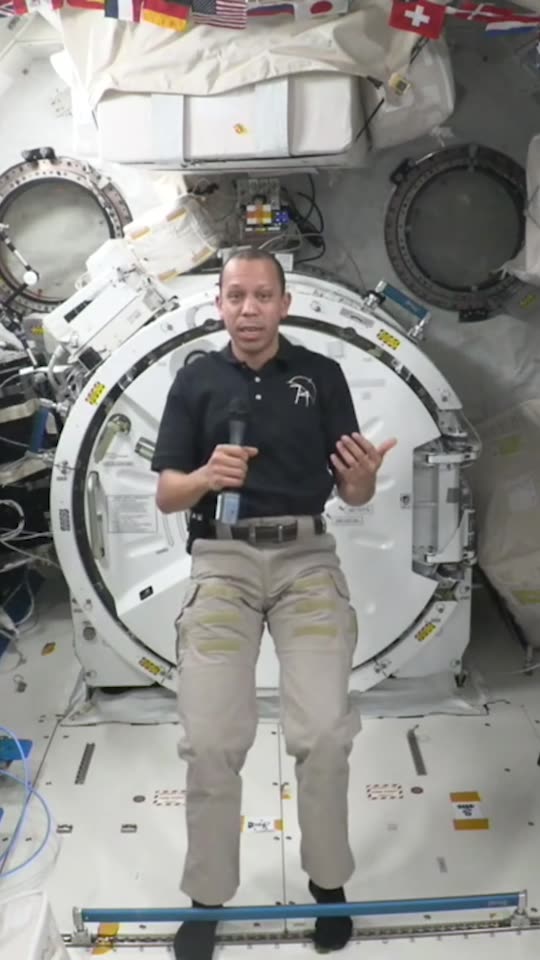
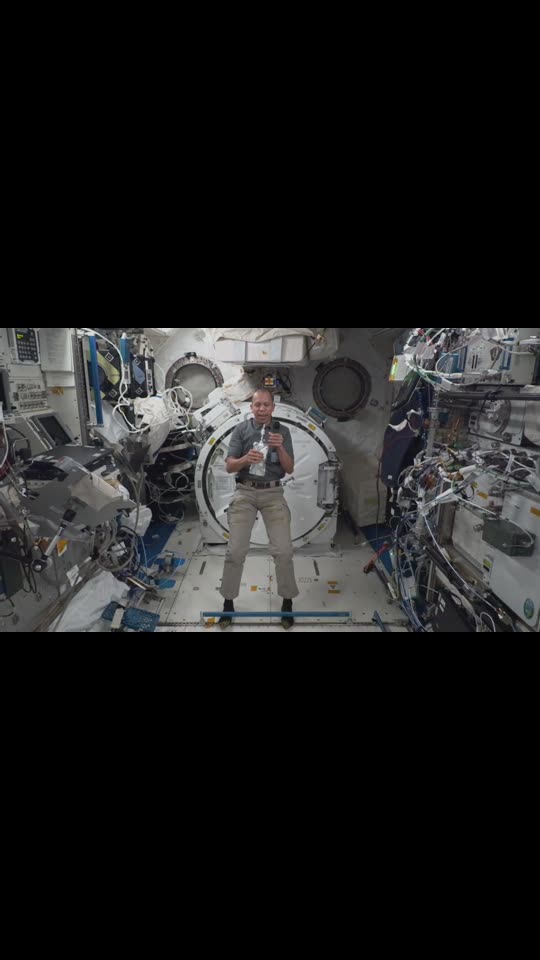
- Choose how to fill 9:16. Blurred background (whole picture, no black bars), Fill (crop, with a slider for what stays in frame) or Black bars.
- Set start and end. Shorts can be up to 3 minutes; trim to the part you want.
- Download the 1080×1920 video. MP4 in Chrome, Edge and Safari (WebM in Firefox). No watermark.
Blur, crop or black bars?
| Fill | Best for | Trade-off |
|---|---|---|
| Blurred background | Screen recordings, slides, wide shots, group shots | The picture is small in the middle |
| Fill (crop) | One person talking to camera | Cuts off the sides; slide to keep the face in frame |
| Black bars | Films and footage you must show whole | Looks less native on Shorts |
Want captions and the best moments picked for you? The AI clip maker does both; this resizer only changes the shape. To add captions to the resized clip, use auto caption generator.
Frequently asked questions
What size is a YouTube Short?
1080 × 1920 pixels, 9:16 vertical. Square videos are also accepted. A Short can be up to 3 minutes long.
Is this resizer free?
Yes, completely, with no limit, no account and no watermark. It runs in your browser, so it costs us nothing to run.
Does it use AI?
No. It's a plain resize: blur, crop or bars, as you choose. For AI-picked clips with captions, use the AI clip maker.
Is my video uploaded?
No. The video is opened and recorded in your browser; it never leaves your device. Once the page has loaded it even works offline.
Why is the download WebM in Firefox?
Firefox can only record WebM. YouTube, TikTok and Instagram all accept WebM, or use Chrome, Edge or Safari for MP4.
Is this tool affiliated with YouTube?
No. ScribeCue is independent and not affiliated with YouTube, TikTok or Instagram.