At a glance
| ScribeCue silence remover | |
|---|---|
| Price | Free for videos up to 10 minutes; longer videos with Pro or any minute pack (runs on your device, so no minutes are used) |
| Account | Not needed |
| Watermark | None |
| Upload | None — audio analysis, captions and export all run in your browser |
| What gets cut | Quiet stretches longer than 0.35 s / 0.6 s / 1 s (Tight / Natural / Gentle), plus any caption line you cut with ✂ |
| Padding kept around words | 0.08 s / 0.15 s / 0.25 s, so words and breaths aren't clipped |
| Captions | Whisper in the browser, 16 languages to choose (or auto-detect); edit any word; box, outline or yellow style; on or off |
| Export | Original resolution up to 1920 px on the long side, MP4 in Chrome, Edge and Safari (WebM in Firefox); SRT/VTT timed to the edited video |
How to remove silence from a video automatically
- Drop your talking-head video above. MP4, MOV or WebM, landscape or vertical, up to 10 minutes free. It opens in your browser — nothing is uploaded.
- Pick a pace and press Remove silences + add captions. Natural cuts pauses longer than 0.6 s; Tight (0.35 s) gives fast TikTok-style jump cuts; Gentle (1 s) only removes long dead air.
- Preview and fix. Press play — the preview skips the cut pauses. Switch pace at any time, edit caption words, or press ✂ on a line to cut a fluffed sentence out of the video.
- Download the edited video. It plays through once and saves an MP4 (WebM in Firefox) with captions burned in, no watermark. SRT/VTT downloads are re-timed to match the cut.
How it decides what is silence
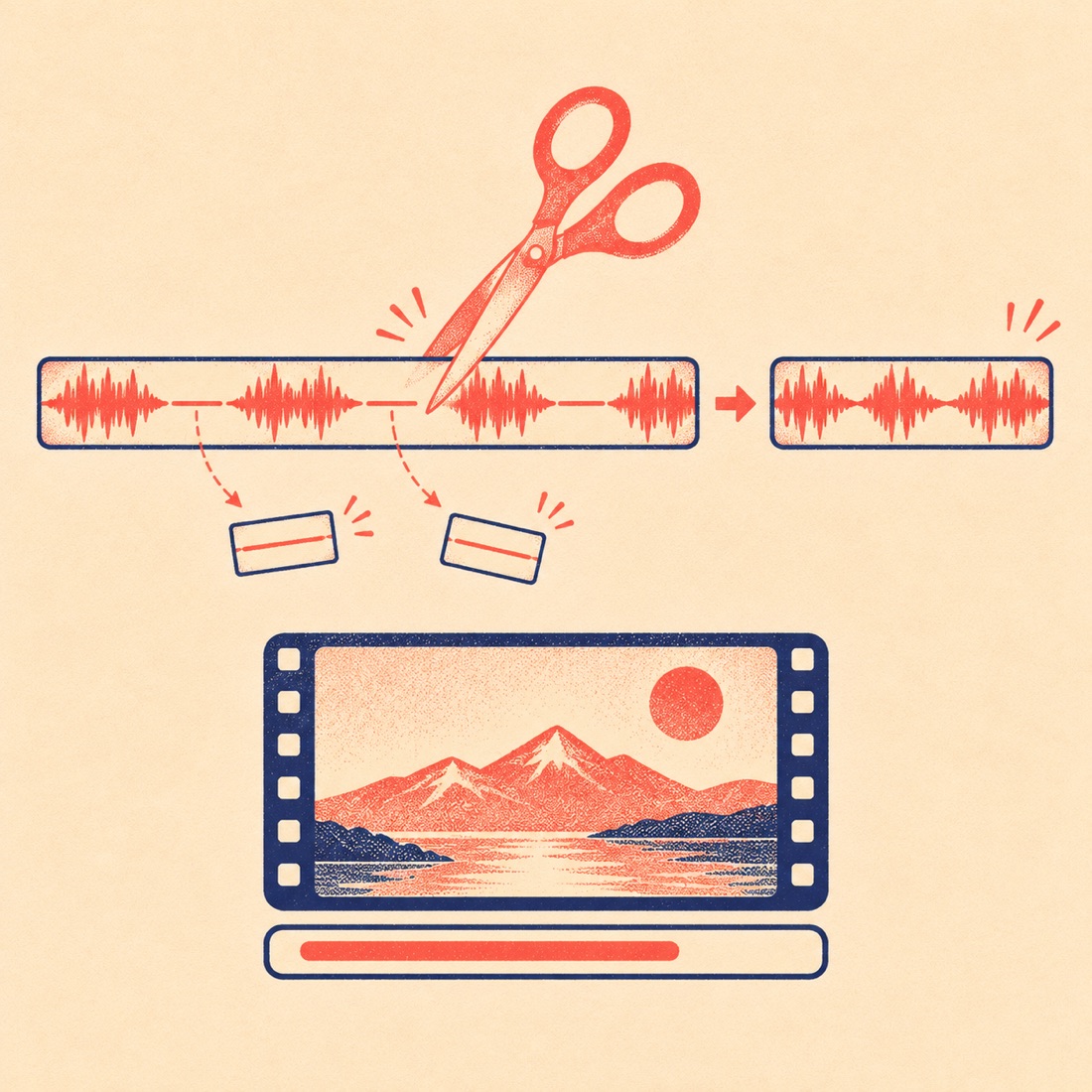
The tool measures loudness every 20 milliseconds. Instead of a fixed −40 dB threshold, it reads your clip's own noise floor and speech level and draws the "quiet" line a quarter of the way between them — so a quiet bedroom recording and a noisy street vlog are both cut correctly.
A quiet stretch is only cut when it lasts longer than the pace's minimum gap (0.35 s Tight, 0.6 s Natural, 1 s Gentle), and a little air is left on both sides so the next word never starts abruptly. If there's no contrast at all — music under the whole video, or constant wind — it cuts nothing rather than guessing.
Free silence removers compared
| ScribeCue | Cutmallow | VidClean | |
|---|---|---|---|
| Account needed | No | No | No |
| Watermark | No | No | No |
| Where the video is processed | Your browser (no upload) | Your browser (no upload) | Their servers (deleted ~90 min later) |
| Free length | 10 min per video | 15 min source clip | Up to 90 min |
| Free export quality | Original, up to 1920 px | 1080p | Up to 720p |
| Pacing choice | Tight / Natural / Gentle, switch after analysis | Slider | Not stated |
| Cut by transcript | Whole sentence (✂) | Word by word | Yes |
| Captions file timed to the cut | SRT and VTT | Not stated | Not stated |
Facts from each tool's own website on 14 November 2026; check before you rely on them. ScribeCue is not affiliated with YouTube, TikTok or Instagram.
What it doesn't do (yet)
- It doesn't remove single filler words like "um" automatically — cut the whole sentence with ✂, or leave them in (most viewers don't notice).
- It doesn't add B-roll, zooms or music.
- Export plays the edited video once in real time, so a 6-minute result takes about 6 minutes. Keep the tab visible.
- Need vertical Shorts from a long video instead? The AI clip maker picks the best moments and renders 9:16 clips; for captions only, use the auto caption generator.
Frequently asked questions
Is there a free tool to remove silence from a video with no watermark?
Yes. ScribeCue cuts the pauses and adds captions for free with no watermark and no sign-up, for videos up to 10 minutes. Longer videos need Pro or any minute pack; it still runs on your device, so no minutes are used.
Is my video uploaded?
No. The audio is analysed, the captions are written and the edited video is recorded in your own browser. Nothing is sent to a server.
Will it cut off the start or end of my words?
No — it leaves 0.15 s of air around speech on Natural (0.08 s on Tight, 0.25 s on Gentle). Press play to preview; if anything feels clipped, switch to Gentle before you export.
Can it remove silence and add captions at the same time?
Yes, that's the default: one button cuts the pauses and writes captions, and the downloaded video has both. Turn captions off if you only want the jump cuts.
Does it work for vertical TikTok, Reels and Shorts videos?
Yes. Vertical and landscape videos both keep their original shape and resolution (up to 1920 px on the long side).
Can I get an SRT file that matches the edited video?
Yes. When cuts are on, the SRT and VTT downloads are re-timed to the edited video, so they line up in YouTube, Premiere or CapCut.
What about background music?
Silence detection needs quiet between sentences. If music plays under the whole video there are no quiet gaps, so the tool leaves the video uncut rather than guessing; you can still cut sentences with ✂.